
Merge PDF
Merge many PDF documents into one file, free and without watermarks.
- Mac, Windows, Linux, iOS, Android
- Free to use with no watermarks
- No sign-up required
PDF Editor
Upload and merge multiple PDF files with an easy-to-use interface.
Online Tool
Merge PDF tool available directly in your web browser, via Google Chrome or any other browser, no downloads or installations needed.
Works on Any Device
Merge your PDF documents on any device, whether it's a desktop, laptop, tablet, or smartphone.
Custom Order
Arrange your PDF files before you merge them to the order of the desired sequence.
Secure Merging of PDFs
Your files are processed and handled 100% on the client side, on your computer. No information about your documents is stored or transferred outside of your computer.
No Watermarks
We do not add any watermarks to your merged PDF files. Your documents remain clean and professional.
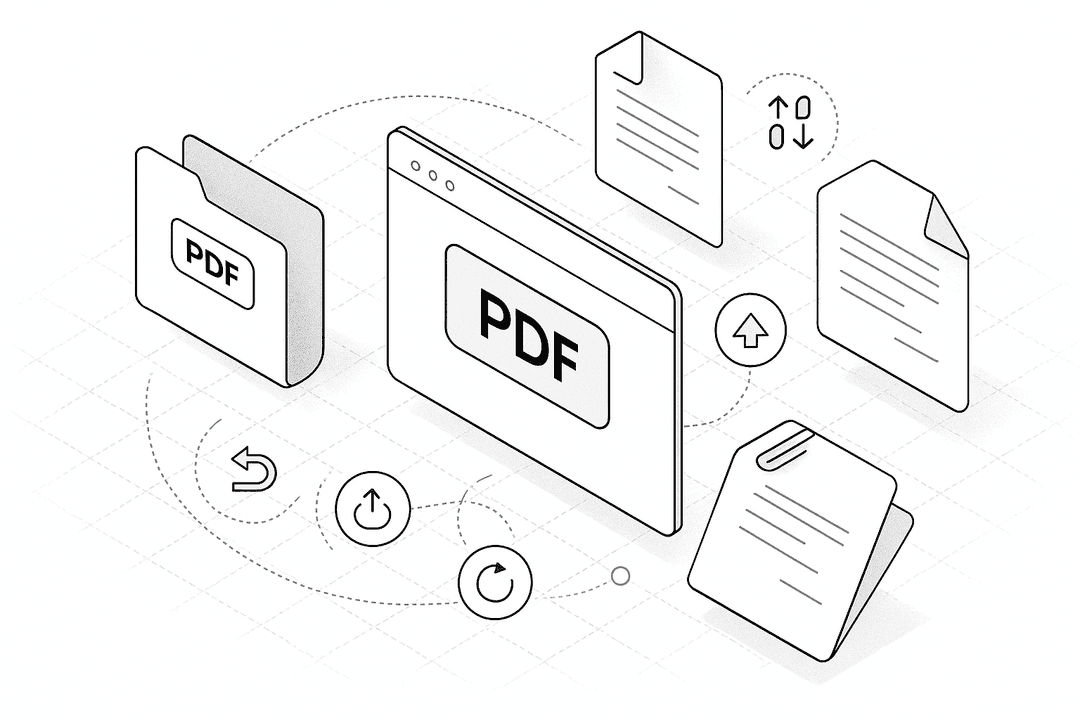
How to Merge PDF Files Online for Free
- 1.
Drag & drop your file into our free PDF Merger at the top of this page.
- 2.
Add extra files if needed and rearrange the pages as necessary.
- 3.
Hit ‘Finish’ to combine your files into a single PDF.
- 4.
Download and save your merged file—done!
Merge PDF
Frequently Asked Questions
Upload your PDF documents, drag and drop them in your desired order, and click ‘Merge’. Then download the combined PDF.
Yes, you can upload and merge PDFs from cloud storage services like Google Drive, Dropbox, and OneDrive.
Yes, you can use this merge PDF tool for free without any watermarks and no sign-up required.
Please share this page
Share these pdf alternative tools with your friends and colleagues.
Simple, secure, and 100% free.