
Split PDF
Split PDF pages online for free — separate a PDF into multiple documents by range or page count. Works on Mac, Windows, iPhone, and Android.
- Mac, Windows, Linux, iOS (iPhone), Android
- Free to use with no watermarks
- No sign-up required
Easy PDF Splitter
Upload your document and split PDF pages in seconds with a simple, drag-and-select interface.
Split PDF by Range
Create multiple files from custom ranges (e.g., 1–3, 4–4, 5–10). Perfect when you need to split PDFs into multiple documents fast.
Split to Individual Pages
Need one PDF per page? Split PDF to individual pages with a single click.
Split PDF into Equal Parts
Split PDFs into multiple files by page count (e.g., every 5 pages) or split PDF into 2 halves evenly.
Split PDF into 2 Files
Quickly divide your document into two files—choose the exact page where the split happens.
Split PDF on iPhone or Android
Fully browser-based — split PDFs on mobile or desktop without installing apps or using Acrobat.
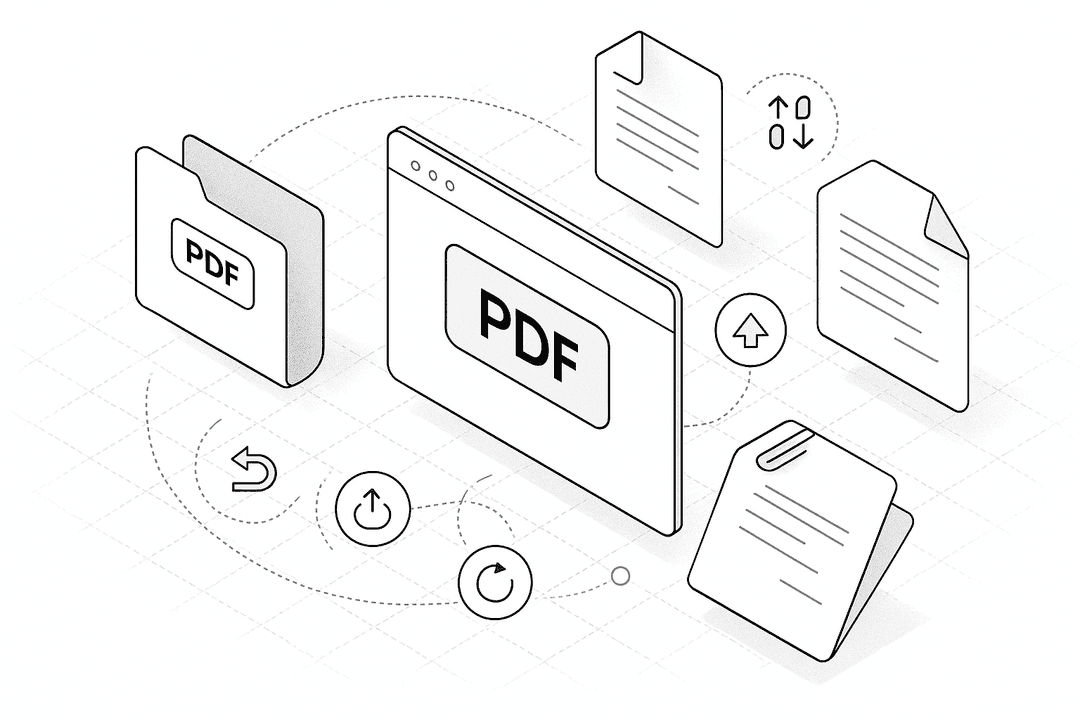
How to Split a PDF into Multiple Files (Free & Online)
- 1.
Drag & drop your document into the Split PDF tool at the top of this page.
- 2.
Choose how to split: by ranges, equal parts, one-per-page, or into exactly two files.
- 3.
Optionally rename the output files or adjust page selection.
- 4.
Click “Finish” to split and download your new PDFs.
Split PDF
Frequently Asked Questions
Yes. Upload your file, select your split method (ranges, equal parts, individual pages, or two files), and download multiple PDFs.
Use the range mode to define segments (e.g., 1–3, 4–6, 7–9), or choose one-per-page to export each page as its own PDF.
Select the ‘Equal parts’ option and set the number of parts to 2. The tool divides the pages into two balanced PDFs.
Open this page in Safari or Chrome on your iPhone, upload your PDF, pick a split option, and download the results—no app required.
They’re the same idea: separating a single PDF into multiple smaller PDFs. ‘Sheets’ is often used when pages are scanned or printed.
Yes. Processing runs in your browser, so your file stays on your device.
Please share this page
Share these pdf alternative tools with your friends and colleagues.
Simple, secure, and 100% free.