
Convert PDF to Text
Fast, accurate PDF to text converter online. Get text from a PDF and download it as a clean TXT file or paste it into any document — free, with no sign-up.
- PDF to TXT in your browser on any device
- Free PDF to text with clean, accurate extraction
- Get plain text you can use in any editor
Online PDF to Text Editor
Use this PDF to text editor online to upload your file, extract the content, and quickly copy, trim, or re-use the text without retyping anything.
Free PDF to Text Converter
Convert PDF to TXT for free with no registration, trial limits, or watermarks. Just drag in your file, click convert, and download the text.
PDF to Text Converter Online
Run PDF to text conversion completely online in your browser. No desktop app, no plugins, and no Acrobat needed — just a simple PDF to text online converter.
Accurate PDF to Text Extraction
Get reliable PDF to text extraction that keeps paragraphs and line breaks wherever possible, so the resulting text is easy to read, search, and edit.
Download as TXT File
Instantly turn your PDF to TXT and download a plain text file. Use this PDF to text file converter to create lightweight .txt documents for archiving, scripting, or editing.
Convert Multiple PDFs to TXT
Need to process several documents? Use this PDF to TXT convert workflow on one file after another for fast, repeatable PDF to text file conversion.
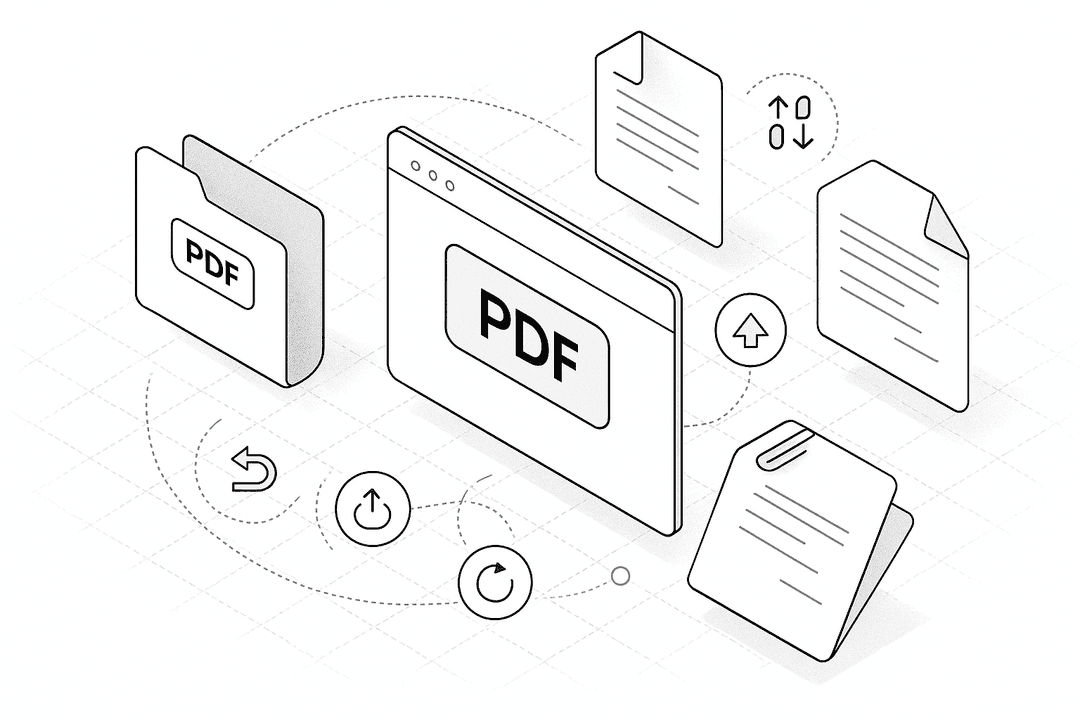
How to Convert PDF to Text Online (Free)
- 1.
Drag & drop your PDF into the PDF to text converter at the top of this page or click to upload.
- 2.
In the editor, click the “Convert to Text” or “Convert PDF” button to extract text from your PDF into a TXT file.
- 3.
When the conversion finishes, download the TXT file, copy the text into another document, or choose “Convert more” to process another PDF.
PDF to Text (TXT)
Frequently Asked Questions
Yes. Use this free PDF to text converter online: upload your PDF, press “Convert to Text”, and download the TXT file. There’s no sign-up, and you can convert PDF to TXT for free as often as you need.
Upload your document to this PDF to text online converter, click the convert button, and we’ll generate a plain text version. Then download the TXT file or paste the extracted text into Word, Google Docs, or any other editor.
Instead of selecting and copying page by page, drop your file into this PDF to text extraction tool. It reads the document for you and outputs all available text in one place so you can copy or save it instantly.
First use this PDF to text file converter to turn your PDF into a TXT file. Then open the TXT in Word, Google Docs, Notepad, or any text editor to clean up formatting, edit content, or repurpose the text.
Yes. This PDF to text free converter runs in your browser and is designed for privacy. Files are used only to perform the PDF to text conversion and are removed automatically after a short time.
You can quickly preview and tweak the extracted text, then copy it or download it as a TXT file. It’s a simple way to use an online PDF to text editor without installing any extra software.
Yes. As long as you have a modern browser, you can use this PDF to text online converter on Windows, MacBook, Linux, Chromebooks, tablets, and smartphones.
Please share this page
Share these pdf alternative tools with your friends and colleagues.
Simple, secure, and 100% free.